|
* TinkerDifferent *
Retro Computing Community |
| Home | Forums | What's New | Search | Settings |
| Restoring a Apple Monochrome IIe Monitor (A2M6017) |
Forums > Vintage Other > Monitors > CRT
|
-------- |
Aug 10, 2022
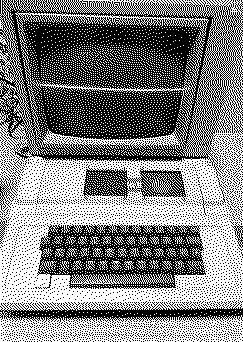
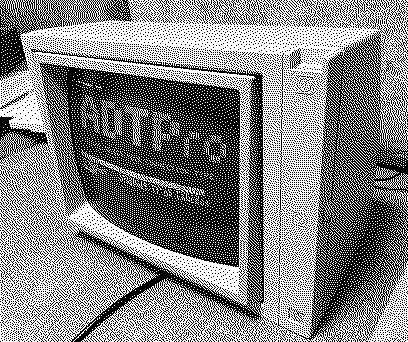
I got my hands on an Apple II Plus along with this Apple IIe monitor which had no vertical drive for about $170 USD, which I think was a great deal.
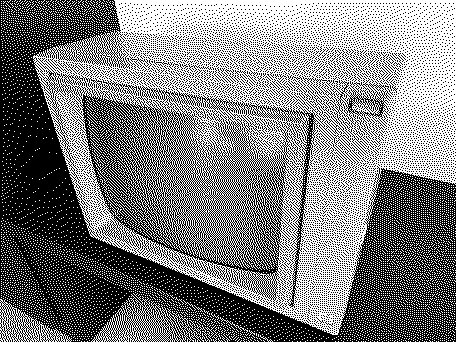
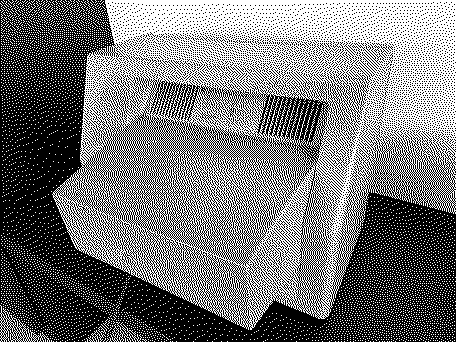
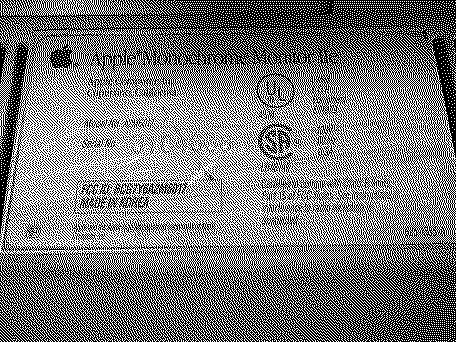
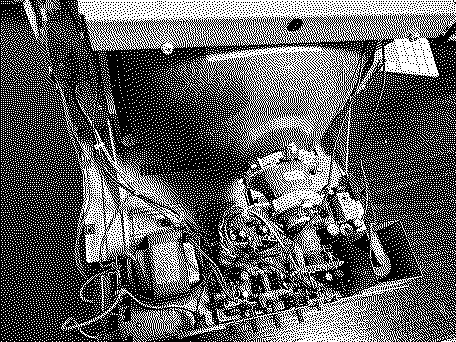
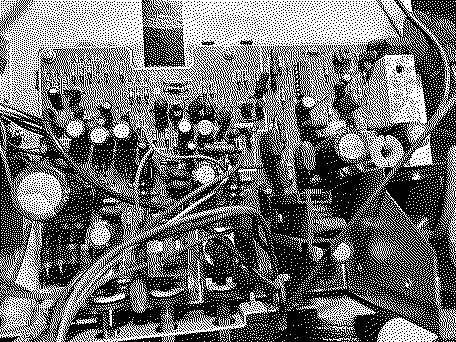
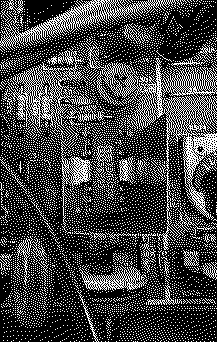
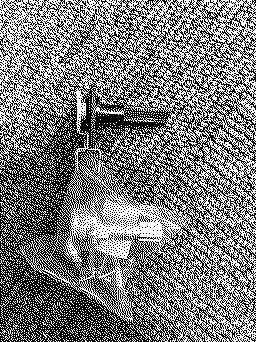
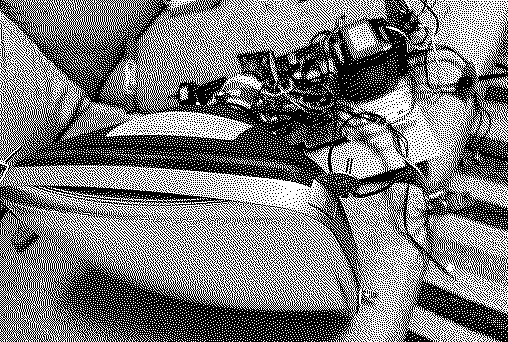
This (above) is the only picture of the monitor that existed in the listed auction, the description was vague. Upon receiving the monitor, it turned out to be an Apple Monochrome Monitor IIe A2M6017 produced in 1987. It was heavily yellowed as seen in these initial pictures I took. Looking inside, I could see this set has had lots of hours on it. Thankfully, the screen itself has no burn in. First I noted all the electrolytic capacitors and replaced them.
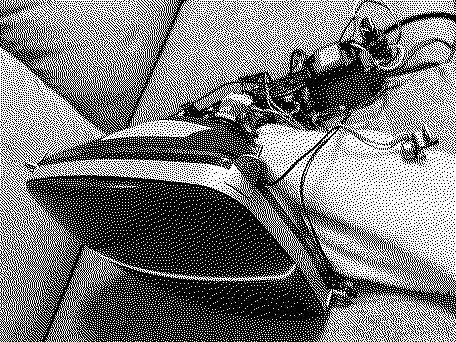
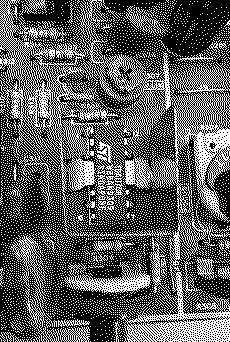
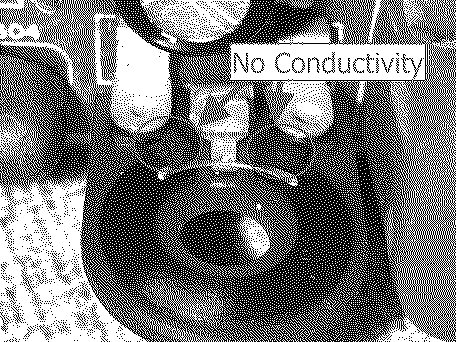
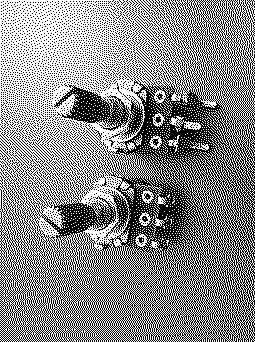
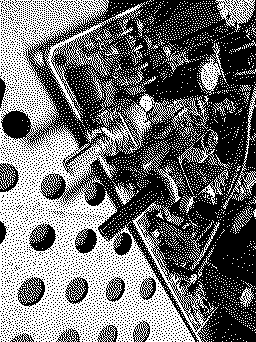
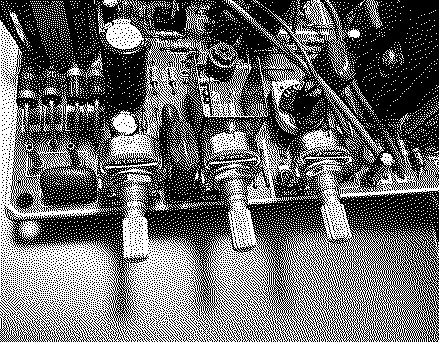
*For above capacitors without a listed lead spacing, it doesn't matter because these capacitors aren't flush against the board. The only electrolytic I didn't replace was the bipolar capacitor C420 as it wasn't really necessary in my case. In addition to the capacitors, I also replaced the power regulator (L78S15CV) as the voltage output was showing around 17v instead of 16v. After replacing all the capacitors, my vertical drive still didn't work. At first I suspected the the TDA1170N chip as the output voltages were off when compared to the service manual. After replacing it, however, there was no change and still no vertical drive. Then I finally noticed that 2 of the 3 potentiometers that stick out the back of the monitor are completely open. There was no reviving these pots. I took them apart, and it seems that the material on the plates near the connection completely corroded (I'm assuming) leaving no conductivity on any of the points shown in the image below. Searching online, I couldn't find a pot that looked very similar. So I went to my local electronics store in Akihabara and found a equivalent replacement linear 100k pots. . These high quality replacement pots (JH16K4B104L20KC) cost me only 40 JPY (about $0.30 each) at the store. The legs didn't exactly match, so I clipped off the legs from the old potentiometers and put them on the new ones to get an exact fit. Once I verified that they reach out the same distance and don't interfere with the case, I replaced all three. With the pots replaced, I finally got a good picture output. During this whole time it was taken apart, I washed the case and left it out in the sun for about a week. Amazing improvement as seen above, but I still went ahead and did two short sessions (two separate days) of retrobright using the cream method. After putting it back together here is the final result. It came out great, especially when comparing to before picture. Finally, the badge on the front is quite faded. I'm considering replacing it with one from maceffects in the future. The Apple II Plus which came with this monitor needs a separate restoration, still working on that.
Liked by RetroTheory,Patrick,alxlaband 5 others |
|
retr01 Senior Tinkerer Utah, USA -------- Joined: Jun 6, 2022 Posts: 2,474 Likes: 810 |
Aug 10, 2022 - #2
|
|
AndyDiags Tinkerer -------- Joined: Dec 18, 2021 Posts: 94 Likes: 167 |
Aug 29, 2022 - #3
Attaching the SAMS schematics which I used to troubleshoot this. I believe that the A2M6017 and A2M2010 have the same insides, just that the A2M2010 is an earlier revision, they are slightly different color.
|
|
jajan547 Active Tinkerer Houston, Texas, USA -------- Joined: Mar 25, 2022 Posts: 738 Likes: 297 |
Aug 29, 2022 - #4
I actually have the service documents from apple for this monitor I'll try and scan them tonight I'm sure it's help people, now I want to restore mine. Thank you @AndyDiags for the parts list and an awesome restoration wonderful work!
Liked by AndyDiags |
|
jajan547 Active Tinkerer Houston, Texas, USA -------- Joined: Mar 25, 2022 Posts: 738 Likes: 297 |
Aug 30, 2022 - #5
Good news I uploaded the Apple ii/e Monochrome Monitor Technical Procedures and Repair manual/guide HERE I also have the Color ii Monitor I can upload later if someone asks.
Liked by AndyDiags |
|
retr01 Senior Tinkerer Utah, USA -------- Joined: Jun 6, 2022 Posts: 2,474 Likes: 810 |
Aug 30, 2022 - #6
Oh, so you can upload actual hardware and computer peripherals now? Wow. That is exciting! @jajan547 will upload an actual Apple Color III monitor that we can all use! Cool! [grinning-face-with-s] :sneaky: Liked by jajan547 |
|
jajan547 Active Tinkerer Houston, Texas, USA -------- Joined: Mar 25, 2022 Posts: 738 Likes: 297 |
Aug 30, 2022 - #7
|
|
jajan547 Active Tinkerer Houston, Texas, USA -------- Joined: Mar 25, 2022 Posts: 738 Likes: 297 |
Sep 5, 2022 - #8
|
|
retr01 Senior Tinkerer Utah, USA -------- Joined: Jun 6, 2022 Posts: 2,474 Likes: 810 |
Sep 5, 2022 - #9
That's weird. It should be able to unless it ran out of gas (RAM space). I will try. It shouldn't be an issue with the M1.
|
|
retr01 Senior Tinkerer Utah, USA -------- Joined: Jun 6, 2022 Posts: 2,474 Likes: 810 |
Sep 5, 2022 - #10
Done @jajan547. Sent to you.
|
| Page 1 of 1 |
| Home | Forums | What's New | Search | Bookmarks | RSS | Original | Settings |
| XenForo Retro Proxy by TinkerDifferent.com |