|
* TinkerDifferent *
Retro Computing Community |
| Home | Forums | What's New | Search | Settings |
| Modding the Kodak Reels 8mm Film Digitizer (Firmware Hack) |
|
omega New Tinkerer -------- Joined: Jul 29, 2025 Posts: 35 Likes: 13 |
Aug 15, 2025 - #561
Can anyone tell me how to remove the lens cap? I thought it was snapped on, but I can't. I would like to check if the focus is OK.
|
|
Mac84 Administrator New Jersey, USA -------- Joined: Sep 4, 2021 Posts: 306 Likes: 431 |
Aug 15, 2025 - #562
Once removed the lens is on a spiral mount, so you can rotate it one way or the other to get better focus. At least one of the units I had from the factory wasn't focused well, while the other was perfect. |
|
omega New Tinkerer -------- Joined: Jul 29, 2025 Posts: 35 Likes: 13 |
Aug 15, 2025 - #563
Oh the translator. I wanted to know how to remove the cover to get to the lens.
|
|
Mac84 Administrator New Jersey, USA -------- Joined: Sep 4, 2021 Posts: 306 Likes: 431 |
Aug 16, 2025 - #564
Be careful, there's a lot of small ribbon cables in the device that can be easily damaged. Here's a rough guide of how to open the unit. Please follow the instructions carefully to avoid damage. |
|
omega New Tinkerer -------- Joined: Jul 29, 2025 Posts: 35 Likes: 13 |
Aug 16, 2025 - #565
I just want to make sure we're both talking about the same cover.
|
|
Umba67 New Tinkerer -------- Joined: Dec 4, 2024 Posts: 18 Likes: 13 |
Aug 16, 2025 - #566
|
|
Mac84 Administrator New Jersey, USA -------- Joined: Sep 4, 2021 Posts: 306 Likes: 431 |
Aug 16, 2025 - #567
You can attach the 3D print file to a reply post to upload it. Thanks [+1] |
|
Umba67 New Tinkerer -------- Joined: Dec 4, 2024 Posts: 18 Likes: 13 |
Aug 16, 2025 - #568
|
|
fishgee Tinkerer -------- Joined: Jan 6, 2025 Posts: 27 Likes: 25 |
Aug 16, 2025 - #569
Liked by eyeidea |
|
Mac84 Administrator New Jersey, USA -------- Joined: Sep 4, 2021 Posts: 306 Likes: 431 |
Aug 16, 2025 - #570
|
|
Umba67 New Tinkerer -------- Joined: Dec 4, 2024 Posts: 18 Likes: 13 |
Aug 16, 2025 - #571
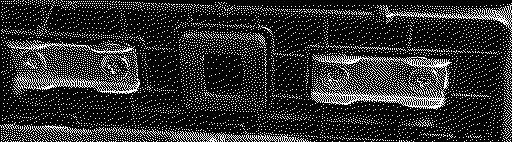
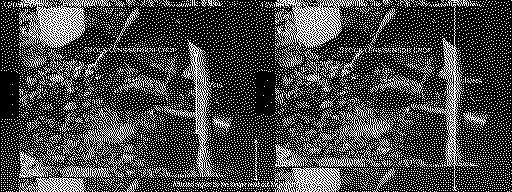
Since the back of the camera has a square shape, you have to remove a block of plastic that expose the hole.View attachment 22854View attachment 22855 Then there are the two pins protruding. The spacer drilled, not a masterpiece. :) View attachment 22856View attachment 22857View attachment 22858 |
|
Umba67 New Tinkerer -------- Joined: Dec 4, 2024 Posts: 18 Likes: 13 |
Aug 16, 2025 - #572
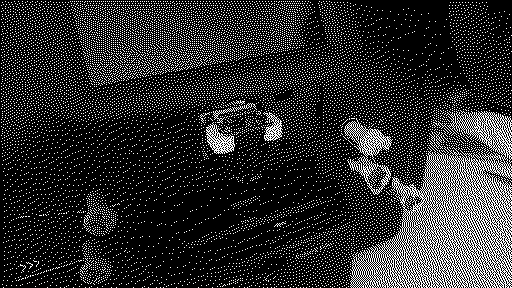
I drilled the printed piece with a modeling micromotor (don't know if the translation is correct) by eye, trying it in place until the parts fit one against the other with no presumable "basculation", and I enlarged the "wrong" holes a little. then I used some new screw M1 1.6 12mm long. Sorry I don't have pictures of the workflow. I also tried to mount the camera without the spacer but with long screws and nuts, but I was unable to find a little wrench to tigthen the small nut on the other side.
In my opinion that would have been a better solution, because you can control the "banking" and the "jaw" of the camera in all direction. But vibrations made the nut loose because I was not able to tighen them properly.View attachment 22847View attachment 22849View attachment 22850To me this ideais is viable, but I don't have the tools small enough. This little wrench has the head too big, that doesn't fit in the small space to apply force. View attachment 22851View attachment 22853View attachment 22852 |
|
omega New Tinkerer -------- Joined: Jul 29, 2025 Posts: 35 Likes: 13 |
Aug 17, 2025 - #573
I have a tip for those who are bothered by film skipping. This is largely caused by the high friction in the film path, as someone already wrote here.
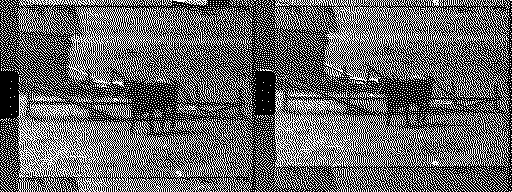
I tried various tricks and finally found two that work. First I polished both sheets, because in their original state they were not completely smooth. That was not enough and so I tried loosening the screws that hold them, but it was not very good. Finally I took out the first spring and the films that were skipping are almost skipping-free. They only jump when there is poor-quality gluing and then they continue well. The picture is with the spring still attached.
Liked by eyeidea,CDenhartandfishgee |
|
Umba67 New Tinkerer -------- Joined: Dec 4, 2024 Posts: 18 Likes: 13 |
Aug 18, 2025 - #574
New short test.
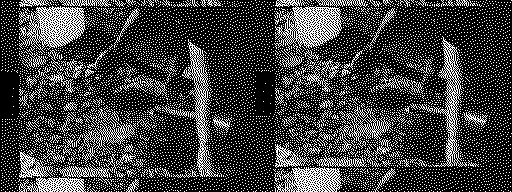
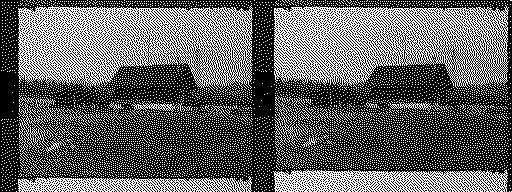
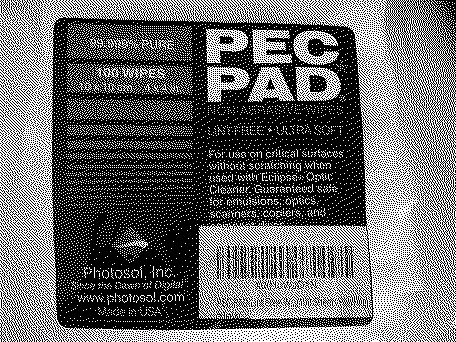
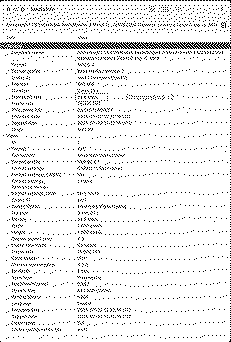
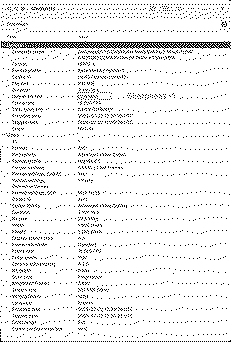
As Stated by 0dan0: " The "gate weave" risk was reduced greatly in 6.6. It is likely a processing delay yes, as it gets worse with a long exposure on the first frame, this is why in 6.6 the first frame uses a high ISO and short shutter. It doesn't completely eliminate the issue, more captures than not are good in my experience. About 30% of the time I will re-scan if it is visible. The large frame data might be a factor, but I've been trying everything else before removing any resolution gains. The chroma artifacts, I so rarely see now, as it happens more with under-exposed footage. I should back looking into these hacks in a few weeks." Here the link to 0dan0 video where he explains his findings: This is the third scan, and the film is well preserved with almost no scratches, thanks to the PEC PADs The lower jitter tha sqeezes the images makes them unusable. You can also see the ghost color (pink in the upper part of the frame and Green in the lower part) these artifacts are randomly present? I'm relieved by the fact that they are compression dependent and not linked to the transport mechanism. Every now and again the machine freezes while keeping on recording.
Liked by eyeideaandCDenhart |
|
0dan0 Active Tinkerer -------- Joined: Jan 13, 2025 Posts: 324 Likes: 498 |
Aug 18, 2025 - #575
There seems to be large unit-to-unit variations, seems that mechanically the cam for the film movement is not tightly in sync with the firmware. The frame jitter, if I get it, is at the top of the frame. This means the capture started while frame was loading into place. The rolling shutter of the sensor, works like a slit scan, showing when the film is in motion. Jitter at the bottom means the frame was stationary at the start of the capture then moved too early. It is baffling that the design is so bad to allow this. I believe this is mostly relates to the new lens using more of the sensor, much less than the firmware hacks (although it has some it can influence.) I believe these unit pass QA, as the jitter most happens outside of the narrow window, used by the stock lens. The active pixel read out for the 12mm lens takes ~40ms, whereas the stock lens the low res image is read out in ~17ms.
You can see it on the stock lens, just less often. Now for the fix. I was optimizing for the top of the frame jitter with 6.6, but that would potentially make bottom jitter worse for hardware with the bias. The fix for top was to shorten the first frames exposure time, maybe the opposite can work. Need to work out a user control to calibrate that. You can see it on the stock lens, just less often, or less pronounced. Now for the fix. I was optimizing for the top of the frame jitter with version 6.6, but that would potentially make bottom jitter worse for hardware with that bias. The fix for top was to shorten the first frame's exposure time, so the maybe the opposite can work. I need to work out a user control to calibrate that. As for color artifact, still no idea. Although as you are seeing it on B&W scans, it less likely stale image data in chrome channels. I shoot some reels for a short film project this weekend, the scans worked out great. So this can be made to work well: https://www.dropbox.com/scl/fi/xmo0...roll.mp4?rlkey=6mimupzui75m2oelpzaar7dra&dl=0
Liked by eyeidea,CDenhartandUmba67 |
|
CDenhart New Tinkerer -------- Joined: Jul 26, 2025 Posts: 5 Likes: 1 |
Aug 19, 2025 - #576
Hi @Umba67 , can you please share which PEC PAD you use? I'm not a material engineer, but what read on Wikipedia about Polyestercarbonate, its quite a rigid material, but also I don't know what material the original posts are made of. Trying to avoid damages on my films, I'm currently thinking of a mechanism that controls the tension of the pickup roll.
|
|
Umba67 New Tinkerer -------- Joined: Dec 4, 2024 Posts: 18 Likes: 13 |
Aug 19, 2025 - #577
Amazon.com : PEC-PAD Lint Free Wipes Ultra Soft Cloth for Cleaning Sensitive Surfaces like Camera, Lens, Filters, Film, Scanners, Telescopes, Microscopes, Binoculars (4x4 (25 sheets)) : ElectronicsAmazon.com : PEC-PAD Lint Free Wipes Ultra Soft Cloth for Cleaning Sensitive Surfaces like Camera, Lens, Filters, Film, Scanners, Telescopes, Microscopes, Binoculars (4x4 (25 sheets)) : Electronics
www.amazon.com
Liked by CDenhart |
|
Umba67 New Tinkerer -------- Joined: Dec 4, 2024 Posts: 18 Likes: 13 |
Aug 21, 2025 - #578
New update.
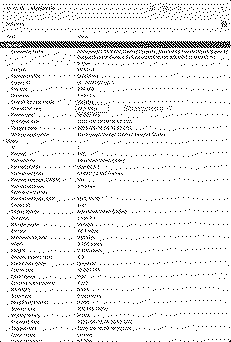
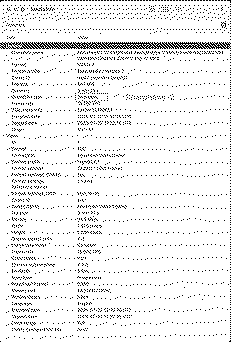
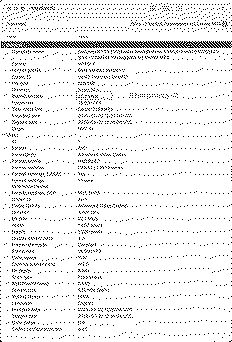
The Tri X film is a nasty one with a lot of visible grain and the development in Caffenol accentuate it. My attention was captured by the high bitrate that the previous clip had eq. 46.7 Mbit/s, well above the 35 Mbit/s 0dan0 set. So i tried to to reduce sharpness more, at -1.5 and -2. At -2 I hit the sweet spot of 34.6, loosing in definition but removing the jitter effect quite completely. The clip now is usable, a little muddier but usable. Maybe there will be some software improvements in the future. I also removed the ghost images converting the clips to monocromatic in Davinci Resolve. I'll do some more tets.
Liked by eyeidea |
|
omega New Tinkerer -------- Joined: Jul 29, 2025 Posts: 35 Likes: 13 |
Aug 21, 2025 - #579
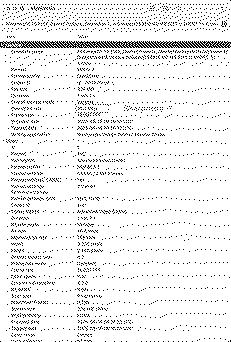
Can you write what firmware version you are using?
|
|
Umba67 New Tinkerer -------- Joined: Dec 4, 2024 Posts: 18 Likes: 13 |
Aug 21, 2025 - #580
|
| << First | < Prev | Page 29 of 48 | Next > | Last >> |
| Home | Forums | What's New | Search | Bookmarks | RSS | Original | Settings |
| XenForo Retro Proxy by TinkerDifferent.com |