|
* TinkerDifferent *
Retro Computing Community |
| Home | Forums | What's New | Search | Settings |
| Getting SAS'y with CMPs (Classic Mac Pros) |
Forums > Vintage Apple > Macintosh > Intel-based Macs
|
phunguss Active Tinkerer Stillwater, MN -------- Joined: Dec 24, 2023 Posts: 511 Likes: 440 |
Aug 6, 2024 - #1
I have two classic MacPro3,1s... and I have some old SAS drives laying around. I thought it would be a fun experiment to try to get a SAS controller put in to use the drives. Non-Apple of course, because of the horrible reviews on it. I found an Areca ARC-1222 on eBay, and got it delivered for US$21.
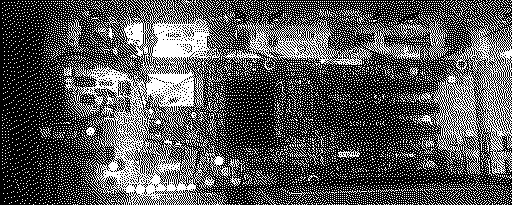
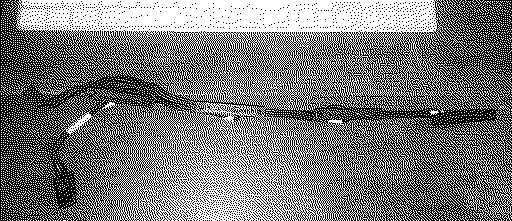
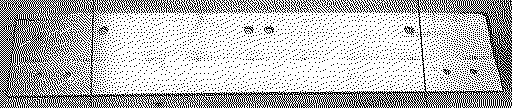
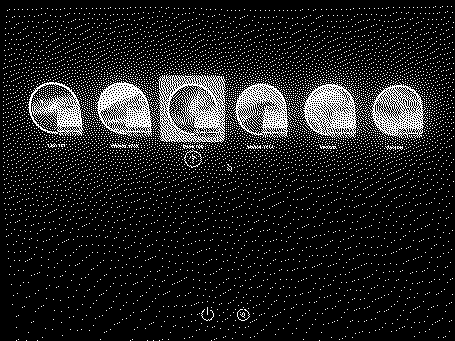
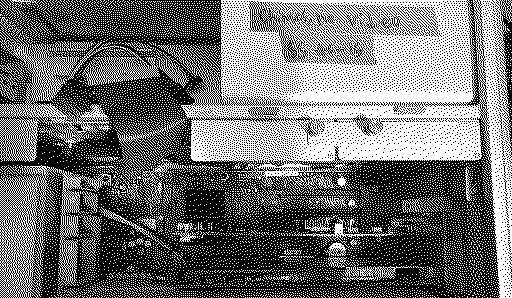
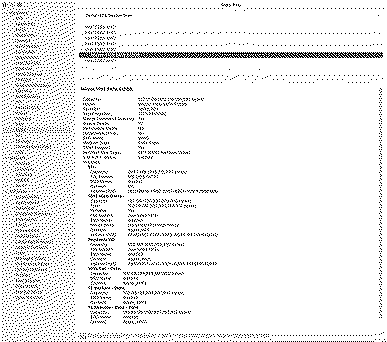
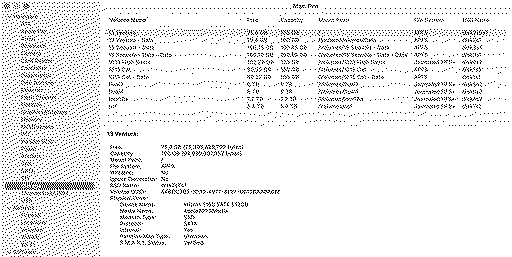
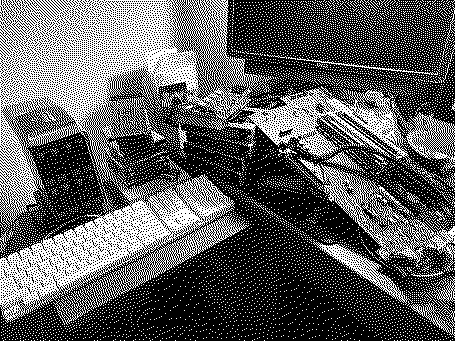
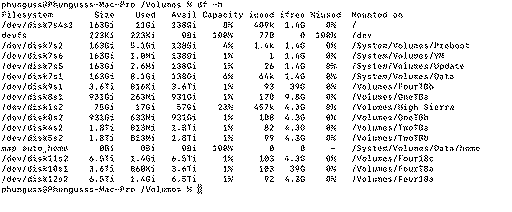
Part 1, Physical Installation Since the Apple card is full length, removing the SFF-8087 cable from the motherboard and planting it on the card is easy. But the ARC-1222 is a half-length card, so we have to see if we can adjust the cables. Remove all drives and the front fan. Remove the SFF-8087 from the motherboard, remove the 8 screws holding down the SAS connectors, and pull out the cable (careful of the wifi/BT/other thin wires in there). Starting on the left, you have power (the SFF-8087 pointing downward) and the drive bay SAS connectors 1 through 4. I need the SFF-8087 to be between connector 2 and 3. We are going to do some bending instead of soldering! No cable-stretcher required! With a little manipulation, you can untangle the wires between connector 1 and 2, the power, and the SFF-8087. Physically swap the positions of connector 1 and 2. There is just enough slack to get the SFF-8087 between 2 and 3, and still have the power reach the motherboard. Screw the 4 SAS ports back onto the shelf mounts in order from left to right: 2,1,3,4. Now the SFF-8087 is just long enough to clip into the ARC-1222 in the top PCIE slot. Not long enough to go lower. And when you install a full size 3.5 drive, the fan will have hardly any clearance. Luckily I had a WD-Ice 2.5 to 3.5 converter, so I could put a 2.5 Drive in the 4th bay where the fan is. Part 2, Spare drives Since we now have zero of 4 drive bays to boot from, we have to use the optional SATA ports on the motherboard underneath the front fan. I used a thin strap of aluminum to mount two 2.5 drives underneath the existing DVD-ROM drive (I forgot to take a photo of the completed install). Route the two sata cables from the motherboard to the top drive bay under the tray. I installed a Molex 4pin to dual SATA power cable to power the two 2.5 drives. Part 3, Software This was a bit tricky. There is windows software to configure the card, but not MacOS software. So I installed the card in a windows environment so I could find the MAC address. Once I had that, the card went back into the cMP3,1. The ARC-1222 has a built in ethernet port for in-band management. Connecting the Areca to the network, then I was able to log into the card from the cMP3,1. I have 3x2TB and 1x4TB drives, so not ideal for a raid setup. But I tried it, and initializing a 4x2TB drive as RAID-5 was taking some time. Google leads me to beleive that it would take between 24-48 hours, so I abandoned that just so I could verify MacOS could see the drives. I converted the raid to individual 'pass-through' disks. Upon restart, nothing showed up. Downloaded Areca driver for BigSur and installed in Ventura. Restarted and still no drives. Finally rebooted in Snow Leopard installer and the drives showed up, but failed on formatting. Restarted in Ventura again and then they formatted just fine. OCLP of course! I have Ventura and Sonoma on the SSD, with room for Sequoia. I have Snow Leopard, Lion, High Sierra, Mojave, and Catalina on the Mechanical drive. No idea what I really need the SAS drives for yet, this was just a proof of concept. More testing later... I also swapped out the wifi a/b/g card for a newer a/b/g/n that I had laying around. Total drives: 4 SAS mechanical drives, the original IDE/PATA DVD, 500GB SSD, and 750GB Mechanical drive. Liked by Kai Robinson,Certificate of Excellence,Nixontheknightand 1 other person |
|
Nixontheknight Tinkerer -------- Joined: Nov 3, 2021 Posts: 190 Likes: 34 |
Aug 7, 2024 - #2
Gotta love OCLP! I use it on my 2011 Mac Mini Server and my 2012 MBP, makes them look and run like new machines
Liked by phunguss |
|
phunguss Active Tinkerer Stillwater, MN -------- Joined: Dec 24, 2023 Posts: 511 Likes: 440 |
Aug 7, 2024 - #3
|
|
phunguss Active Tinkerer Stillwater, MN -------- Joined: Dec 24, 2023 Posts: 511 Likes: 440 |
Mar 26, 2025 - #4
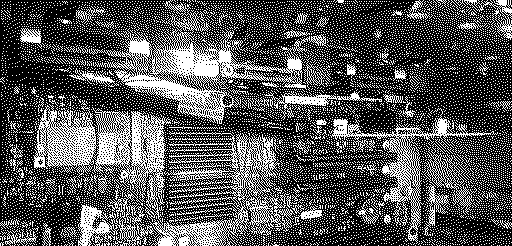
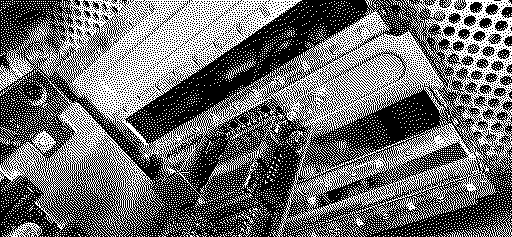
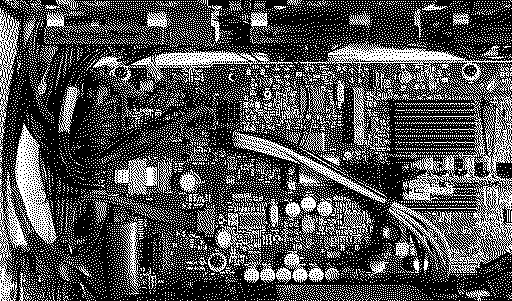
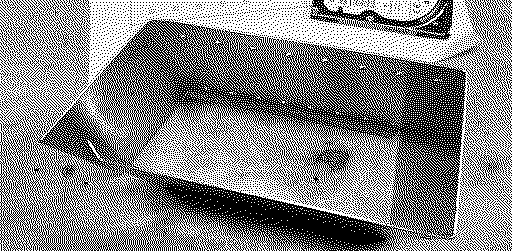
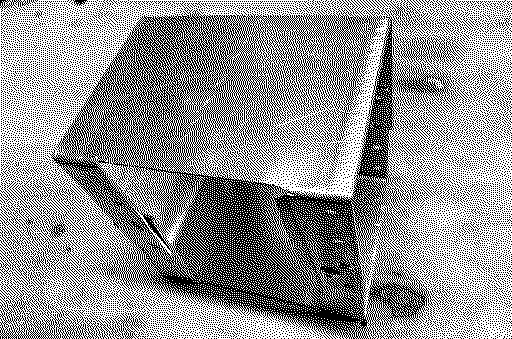
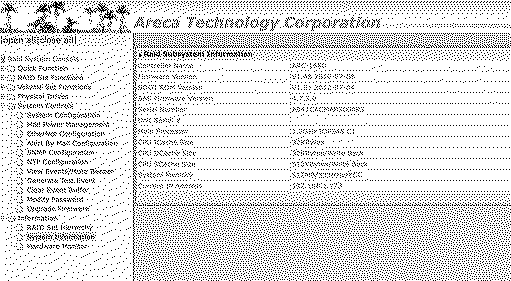
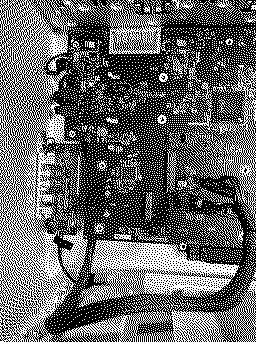
Marchintosh 2025 I pulled out the my second cMP3.1 and removed the optical media drive. This will be a cage for 14 2.5" drives. I already have an Areca ARC-1680 IXL 16 with 3 internal SFF-8087 connectors and 1 external for raid expansion. This cMP3.1 has a Bluetooth in it but no wifi, so I will be adding that. This machine was a $5 project from Free Geek Minneapolis. The Areca card came with a low profile bracket and not the regular tall bracket. A little bending, drilling, and Pop-Rivets. But I got something wrong, as the card is fully inserted but the bracket extends too far. I will adjust that later. Closer shot of the existing area we will be upgrading. Remove the SFF-8087 from the motherboard, remove the power connector for the internal bays, and remove SAS drive connector 1 and 2. Install the Wifi Card. Remove the PATA cable and molex power from the optical bay, unplug from the motherboard, and separate the cables. Install the wifi antenna cables. install two longer SATA cables on the motherboard to go up to the optical drive bays. Untangle the internal drive bay cables so the SFF-8087 can reach the card, swapping positions of 1 and 2. Reinstall so the actual cables are in order 2-1-3-4. I have also attached 1 more quad pigtail SFF-8087 to SAS connectors and routed it up to the optical bay. Reinstall the molex power from the motherboard to the optical drive bay. The optical bay so far... Building some drive cages. I designed one tray to hold 8 thicker 2.5 SAS drives. Some drilling, and sheet metal origami and I have a bay. Then I designed a bay for 6 thinner 2.5 drives. And some more metal origami. It is ugly, but it is internal. The web interface to the new card. Up next... Adding two more quad pigtails to the optical bay. Installing all the drives and power. I will utilize one of the spare motherboard power outlets designated for GPU power to route up to the optical bay as well. |
|
phunguss Active Tinkerer Stillwater, MN -------- Joined: Dec 24, 2023 Posts: 511 Likes: 440 |
Apr 12, 2025 - #5
Finally got around to hooking this all up. I was a little too aggressive in my thoughts of adding 14 drives to the CD bays. It seems 8 drives plus cabling takes up most of the space. No other real room in the unit to add more, but I still have the motherboard SFF-8087 that would support 4 more sata drives somewhere.
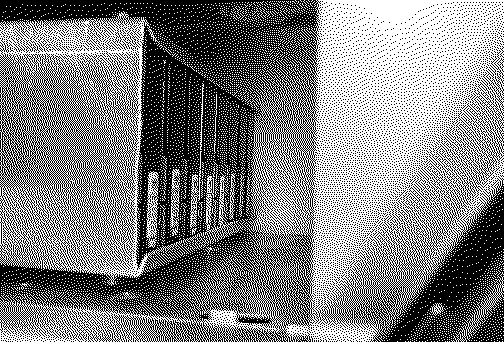
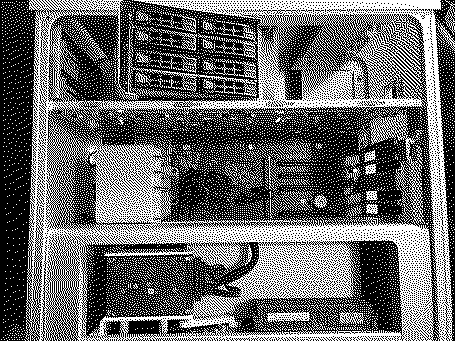
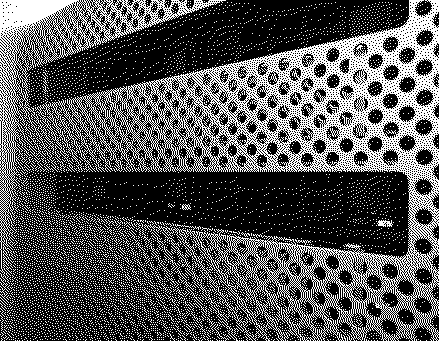
Pics: The concept is 8 x 1.8TB 2.5" drives inside the CD bays. Once the wiring was added, not a lot of room left. Wired up and ready for insert. I did remove the drive covers assembly to give more room and to increase airflow. I did 3D print some grilles to cover the holes and match the front face, but I need to paint them first. Photos of that later. I did not mount it to the optical drive cage yet, just sitting in place to test it out. Enough room for airflow. All 3 internal ports used on the Areca-1680 card. Internal motherboard spare SATA SSD with OCLP (High Sierra, Catalina, Ventura, and Sonoma: Not Sequoia) I set them up as raid0 striping just for max size. This machine will be a temp backup for my TrueNAS which has 5x8TB drives in it (29TB, about 75% used). Of course I had one drive that didn't power up, but I have spares that I can swap out later. So for now, I sit with 13 drives in my Classic MacPro3,1. |
|
phunguss Active Tinkerer Stillwater, MN -------- Joined: Dec 24, 2023 Posts: 511 Likes: 440 |
Oct 9, 2025 - #6
Latest CMP SAS'y update:
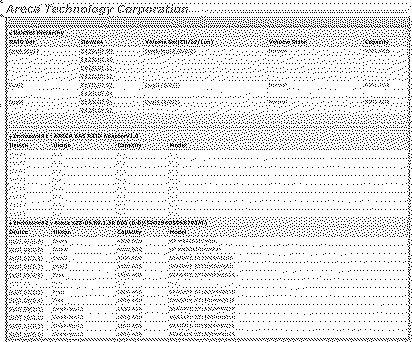
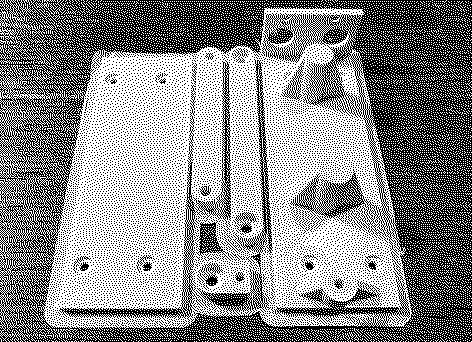
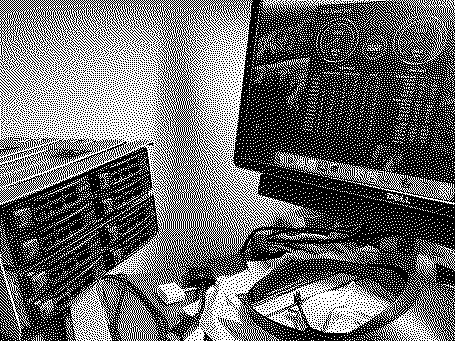
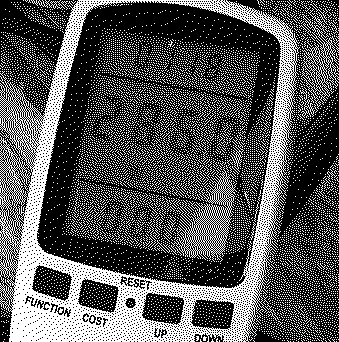
I added a couple MacPro4,1 upgraded to 5,1 to my collection. Both are single CPU boards. I was at Free Geek Minneapolis and found an SuperMicro server with 12x300GB SAS drives with trays. It turns out it was 3 groups of 4. The size is the same as a 5.25 Optical drive, SuperMicro model CSE-M14. The Seagate 1.8TB drives I would be putting into the bays list 5v and 12v, so I did a modified Pixlas power mod to add two Molex power cords instead of the GPU power taps. Since I would no longer be using the dual SATA ports in the top optical bays, I instead decided to reroute the cable to bottom CPU location since this was a single CPU tray. This required complete disassembly of the entire computer. And routing the dual optical SATA connectors below the bottom of the motherboard towards the bottom of the computer. I then designed and 3D printed a dual 2.5" drive mount to add to the single CPU tray. Which resulted in this look: I then reinstalled the PSU and routed the SAS cables down to the Areca-1222 card (moved from the 3,1). Preliminary Raid-0 (striping) test before final mounting. Total power draw on this machine with all 15 drives installed (8 raid, 6 SATA, 1 NVME in PCIE slot) = 290 Watts max... idle around 210W. I am sure it will kick up a little when all drives are busy. This will just be a secondary backup to my TrueNAS/Jellyfin server. That is two 4TB 3.5 SATA drives, two 2TB 3.5 SATA drives, two 1TB 2.5 SATA drives, eight 1.8TB SAS drives, and one 256GB NVME on PCIE. Areca Raid card interface via web with 8x1.8TB SAS Seagate drives. I had to remove the down-slide optical covers to get the drive trays installed. I will be designing a replacement to cover the holes. |
| Page 1 of 1 |
| Home | Forums | What's New | Search | Bookmarks | RSS | Original | Settings |
| XenForo Retro Proxy by TinkerDifferent.com |