|
* TinkerDifferent *
Retro Computing Community |
| Home | Forums | What's New | Search | Settings |
| Blurry iMac G3 CRT |
Forums > Vintage Apple > Macintosh > PowerPC G3, G4 & G5 (New World ROM) > PowerMac G3 & iMac G3
|
C3rium1 New Tinkerer -------- Joined: Jan 22, 2024 Posts: 3 Likes: 2 |
Jan 22, 2024 - #1
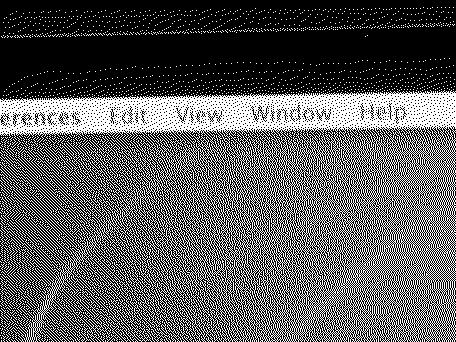
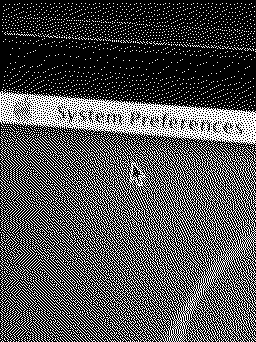
Hello, I recently acquired a tray loading Rev. C iMac G3, and it works perfectly fine, but the CRT is a little blurry, especially when I turn up the brightness/contrast in software. I adjusted the physical monitor/focus knobs on the CRT itself and it didn't help at all. I'm not all that familiar with CRTs. Do I need to recap the main CRT board? Or does something else need to be done to fix the problem?
|
|
Certificate of Excellence Active Tinkerer United Sates -------- Joined: Nov 1, 2021 Posts: 765 Likes: 530 |
Jan 26, 2024 - #2
I haven't had to do this myself but from what I read online from some old forum posts, there is a focus and brightness manual adjustment on the back left corner of the imac g3 tray loader. You'd need to take the back shell off but you'd see two adjusters there for the crt. If I can find the time, I'll take the back off mine to have a looksie.
Liked by C3rium1 |
|
C3rium1 New Tinkerer -------- Joined: Jan 22, 2024 Posts: 3 Likes: 2 |
Jan 26, 2024 - #3
Liked by Certificate of Excellence |
|
C3rium1 New Tinkerer -------- Joined: Jan 22, 2024 Posts: 3 Likes: 2 |
Jan 26, 2024 - #4
Liked by Certificate of Excellence |
|
techknight Moderator North Carolina -------- Joined: Dec 2, 2021 Posts: 94 Likes: 94 |
Feb 3, 2024 - #5
That actually doesnt look too bad, fairly normal. those CRTs were never that sharp when new.
|
| Page 1 of 1 |
| Home | Forums | What's New | Search | Bookmarks | RSS | Original | Settings |
| XenForo Retro Proxy by TinkerDifferent.com |