|
* TinkerDifferent *
Retro Computing Community |
| Home | Forums | What's New | Search | Settings |
| AEKII Board Repair |
Forums > The Lab > Soldering and Repair
|
adfrost81 New Tinkerer -------- Joined: Feb 20, 2025 Posts: 6 Likes: 0 |
Feb 20, 2025 - #1
So I picked up a used and non-functioning AEKII for $20 at Free Geek in the Twin Cities, thinking it could be fun little repair project. Worst case, I ruin it, and it becomes a parts board, retrobright practice piece or maybe I get a replacement PCB.
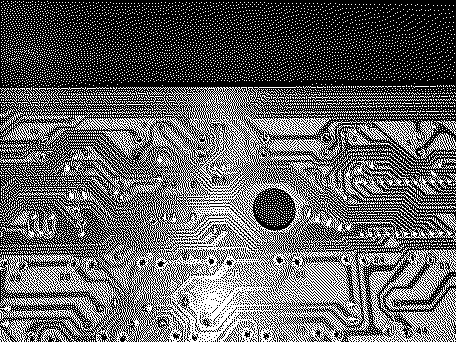
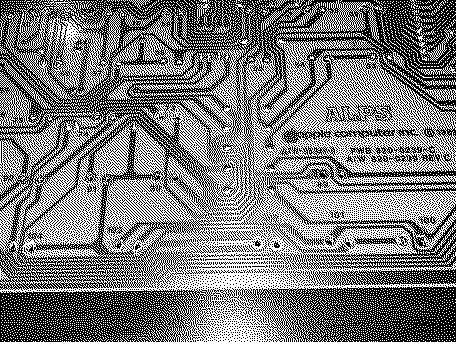
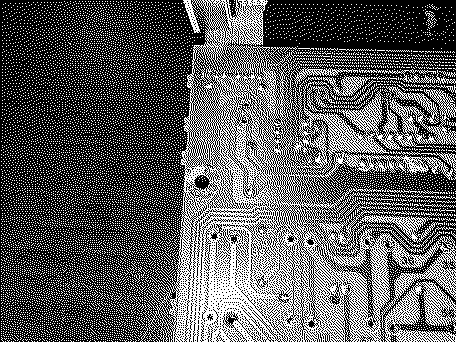
The main symptom is that all three lights are lit, and doesn't respond when typing on any key. I noticed some corrosion on a few components, so I figured I'd try replacing those first. I got all the switches desoldered, but in the process many of the through-hole traces got damaged. Most of these were on keys where the leads were bent instead of straight. This is my first time doing this sort of thing...how repairable is this for a noob? Also, the trace was damaged around the screws on either side. Seems like that probably need to be repaired somehow as well. Any feedback would be appreciated!
|
|
KennyPowers Active Tinkerer -------- Joined: Jun 27, 2022 Posts: 323 Likes: 360 |
Feb 20, 2025 - #2
Where you've damaged a through-hole solder pad, use a hobby knife or scalpel to gently scrape away the solder mask covering the trace connected to the damaged area to expose some copper. Then, when you're soldering the switch back in, bridge the solder to that exposed copper. It will be easier if you use flux and tin the exposed copper first. Afterwards, verify all such connections with a multimeter or continuity tester.
Liked by wottle |
|
adfrost81 New Tinkerer -------- Joined: Feb 20, 2025 Posts: 6 Likes: 0 |
Feb 21, 2025 - #3
Thanks! That sounds pretty doable. I wasn't sure if solder would be enough or if I would need to "make" new pads somehow (probably with wire). Another question: would I need to resolder ALL of the switches in order to test the board? Or can I just replace what appears to be the bad components and see if it will power on without the switches? I'd hate to desolder everything and find out it still doesn't work and have to desolder again. |
|
KennyPowers Active Tinkerer -------- Joined: Jun 27, 2022 Posts: 323 Likes: 360 |
Feb 21, 2025 - #4
|
|
ShadeDream New Tinkerer Austin, TX -------- Joined: Feb 5, 2022 Posts: 12 Likes: 4 |
Feb 22, 2025 - #5
Liked by adfrost81 |
|
adfrost81 New Tinkerer -------- Joined: Feb 20, 2025 Posts: 6 Likes: 0 |
Feb 22, 2025 - #6
Yeah, explained that way, it makes logical sense. I'd definitely have the new components soldered in first (some capacitors and I think some diodes).
All the switches should be good...I'm more concerned about the board! I used to have a couple keebs with Matias switches (Matias Quiet Pro and KB Paradise V80). |
|
adfrost81 New Tinkerer -------- Joined: Feb 20, 2025 Posts: 6 Likes: 0 |
Mar 25, 2025 - #7
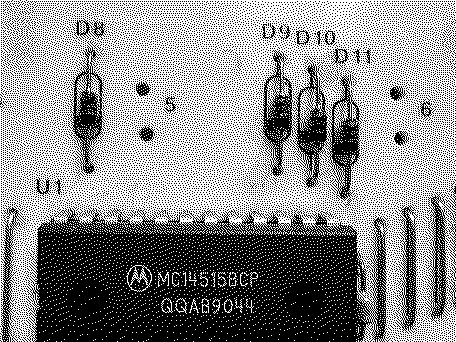
Still working on this when I find the time. Im wondering if any can help me identify some of these components. The - what i'm assuming are - diodes have a number of different markings. Not sure what order they're supposed to go in, but this is what I could make out:
52 44 Br 41 50 RK R 1N 91
|
|
vtgearhead Tinkerer Burlington, VT USA -------- Joined: May 1, 2023 Posts: 92 Likes: 35 |
Mar 27, 2025 - #8
Just a guess: 1N915 diode (?) This is from a keyboard matrix, right? Probably isn't all that critical what you use so long as the forward voltage drop is similar.
|
| Page 1 of 1 |
| Home | Forums | What's New | Search | Bookmarks | RSS | Original | Settings |
| XenForo Retro Proxy by TinkerDifferent.com |