|
* TinkerDifferent *
Retro Computing Community |
| Home | Forums | What's New | Search | Settings |
| 2025 PowerPC Challenge |
Forums > Forum Announcements, Guidelines & Feedback > Events & Meet-ups
|
PowerRCP-G3 Tinkerer -------- Joined: Jan 31, 2022 Posts: 29 Likes: 25 |
Jan 17, 2025 - #41
Day 11
My iBook G4 ran hot while trying to process some clips from Final Cut Express. It was my goal to get some clips finished and I was successful at that. I also created a ClassiCube account and tested out the online features of that game. |
|
HrutkayMods New Tinkerer Planet Earth (in the Eastern Time zone) -------- Joined: Oct 18, 2021 Posts: 19 Likes: 18 |
Jan 17, 2025 - #42
So if you guys are curious early SATA I chips didn't play nicely with forward compatibility most will work with SATA II but not SATA III. Lots of SATA III and some II drives have jumper pins to force the drive into SATA I speeds which fixes the compatibility with newer drives.
Liked by Nycturne |
|
Nycturne Tinkerer -------- Joined: Dec 18, 2024 Posts: 98 Likes: 62 |
Jan 17, 2025 - #43
You happened to quote my answer to this question, although it might be a little jargon-filled? I think @Certificate of Excellence and @HrutkayMods brought up good details here on the tests of cables, as well as a good alternative explanation for the issue you are running into, and I don't really have anything to add on those points. What I will say is that this is pretty common across many connection protocols. Higher speeds over the same pinouts are easy if you can increase the signaling frequency and add some way to handshake to the higher frequency (think of how modems handshake to determine how quickly they can communicate). But faster signaling frequencies means that you are more susceptible to interference from electromagnetic radiation. Any suitable wire is an antenna, after all. So these faster speeds place more requirements on shielding the cable from this interference. HDMI/DisplayPort are probably the most obvious examples of this, where old cables may or may not handle newer speeds it wasn't rated for when it was made. It depends on the length of the cable, and how well the cable was built. Ethernet is probably the cleanest of the bunch. By making clear categories, there's not much wiggle room in terms of say, a Cat 6 cable that somehow meets the requirements of Cat 7. So then you can make very specific claims about the performance of a given cable with Ethernet. But if you look at what makes the categories different, it's all about better and better rejection of interference. |
|
HrutkayMods New Tinkerer Planet Earth (in the Eastern Time zone) -------- Joined: Oct 18, 2021 Posts: 19 Likes: 18 |
Jan 17, 2025 - #44
Here's my comparison video on the Intel transition
by the way, it really doesn't matter what the cable is. I'm pretty sure all SATA cables are created equally. They're all copper wire on the inside. Liked by Byte Knight,Certificate of Excellenceandphunguss |
|
PowerRCP-G3 Tinkerer -------- Joined: Jan 31, 2022 Posts: 29 Likes: 25 |
Jan 18, 2025 - #45
Day 12
Not much has happened other than the fact that the iBook G4 was hard at work with processing the clips. But, they are all ready to go. I also played some ClassiCube. |
|
phunguss Active Tinkerer Stillwater, MN -------- Joined: Dec 24, 2023 Posts: 513 Likes: 441 |
Jan 18, 2025 - #46
Day 16/17
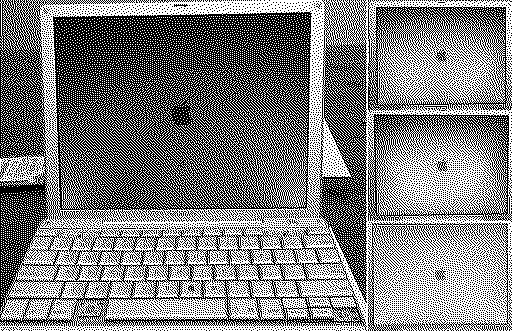
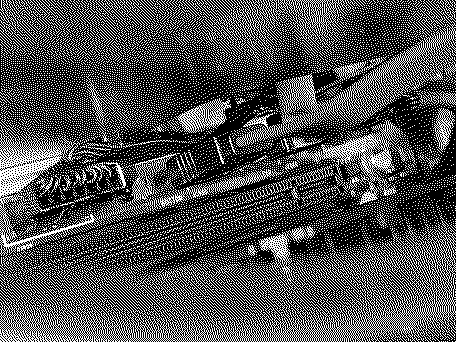
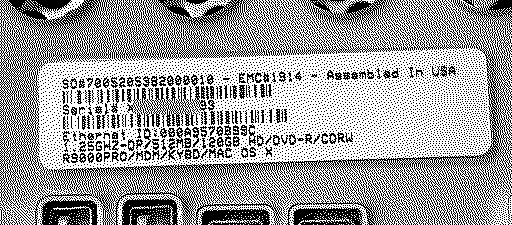
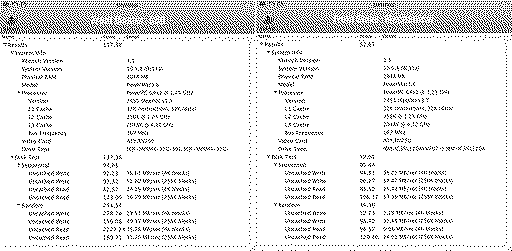
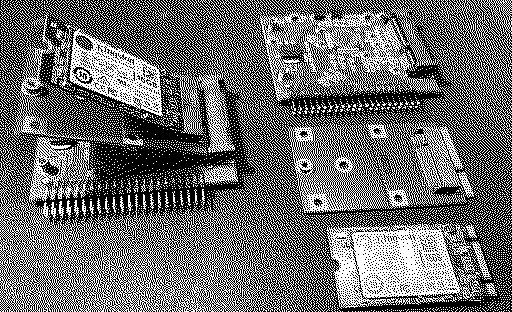
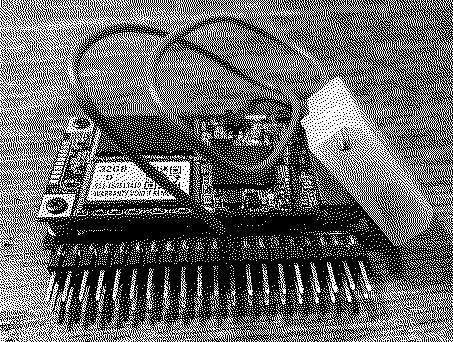
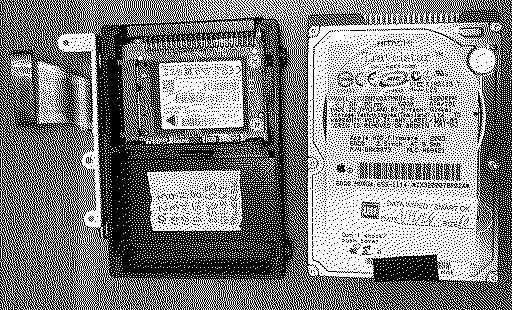
I wanted to check the solder job on my 12" iFrankenBook, so I booted it up from a battery. All is well. You can see by the computer name, that I have just been cloning drives instead of clean installs. And the battery charges when plugged in, so all is good. I pulled out the MDD and tried the 3.5" mSATA to IDE in all 3 busses. I ran Xbench with drive only test. Front bus with mechanical drive as slave: Optical drive bus: And the rear bus: So that black adapter with red cable boots on all 3 busses. I will try a couple other PPC towers this weekend, maybe the Cube as well. Other adapters arrived in the mail. M.2 sata to mSATA, and more mSATA to IDE. Then attached to IDE to USB and to my iMac for formatting.
|
|
iBookSpeedster88 Tinkerer -------- Joined: Jan 1, 2024 Posts: 36 Likes: 37 |
Jan 18, 2025 - #47
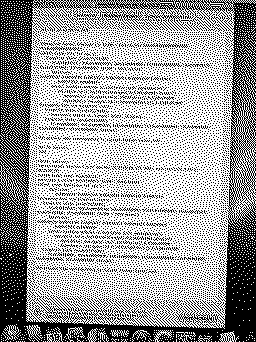
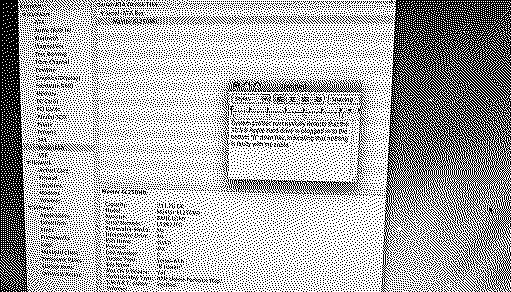
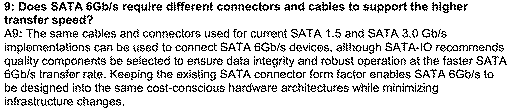
I just found yesterday while at work some official documentation from the SATA-io group on their host website about the SATA-3 (it's quicker than typing the capital letter I three times, sorry) protocol and they confirm that there should be nothing interfering in compatibility between the connectors. The following screenshot was taken from this helpful .pdf they provided here: https://sata-io.org/sites/default/files/documents/SATA-Revision-3.0-FAQ-FINAL.pdf.
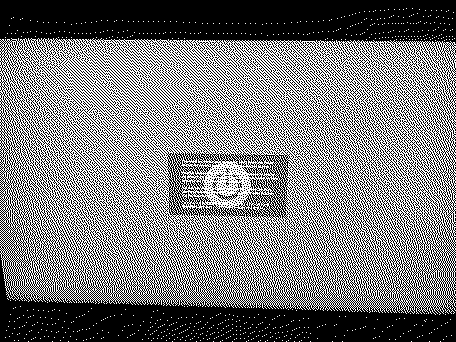
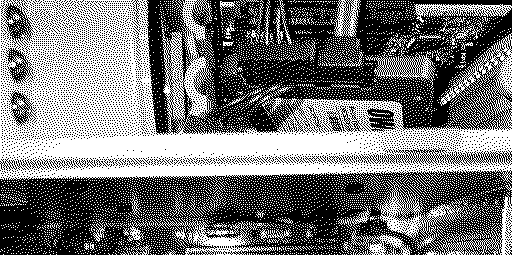
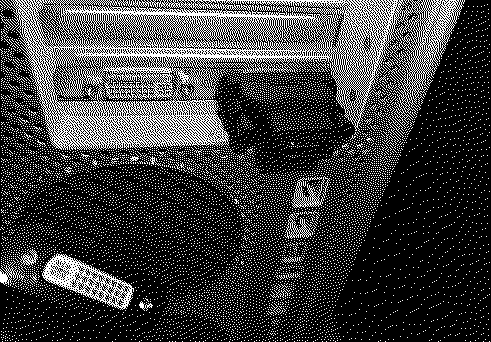
Was I just under a misconception the whole time, tragically exacerbated by confirmation bias while working on my PowerMac? Something must have gotten passed on to me along the way in the past. Let's just forget about that o_O:LOL: Also, as I noticed I didn't have a picture for it, here's my DVI-to-HDMI adapter connected to the I think it was NVIDIA GeForce 6600 in the PowerMac? I'm holding the DisplayPort-to-DVI adapter in my hand in the bottom left corner of the image, too: I remembered that "Broken Electronics" on YouTube used the same 3.5-inch-to-2.5-inch adapter that I received in the following video. There's a jump cut from when he connects it to his PowerMac, but since he doesn't make any further mention of the adapter in the video, to my recollection, it's presumed that the adapter was kept:
Liked by Certificate of Excellence |
|
Certificate of Excellence Active Tinkerer United Sates -------- Joined: Nov 1, 2021 Posts: 765 Likes: 530 |
Jan 18, 2025 - #48
|
|
phunguss Active Tinkerer Stillwater, MN -------- Joined: Dec 24, 2023 Posts: 513 Likes: 441 |
Jan 19, 2025 - #49
Day 18
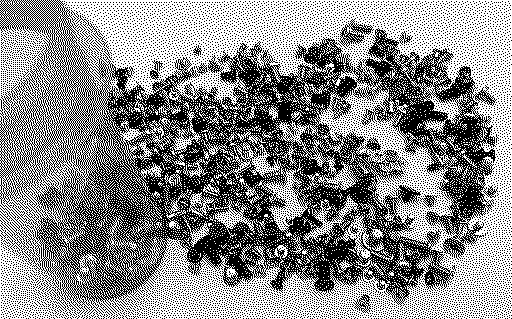
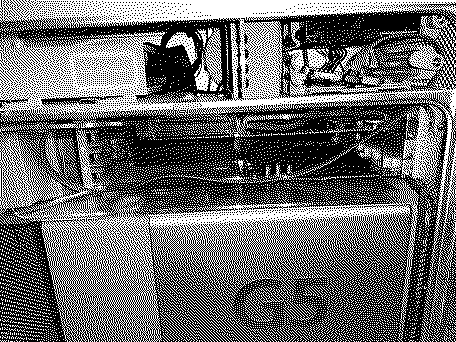
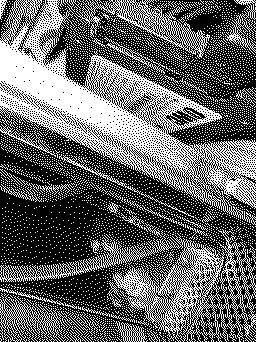
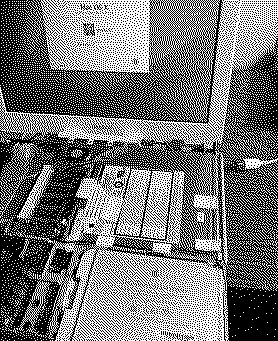
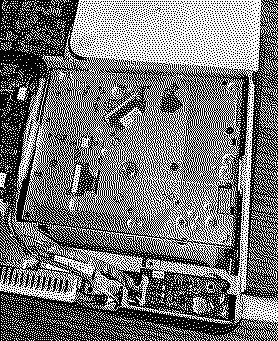
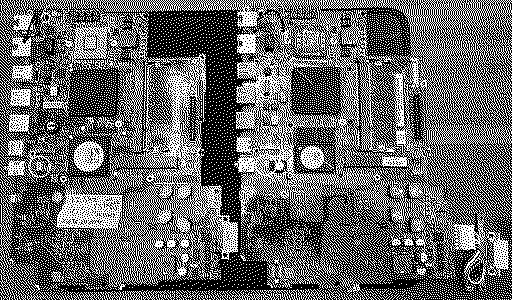
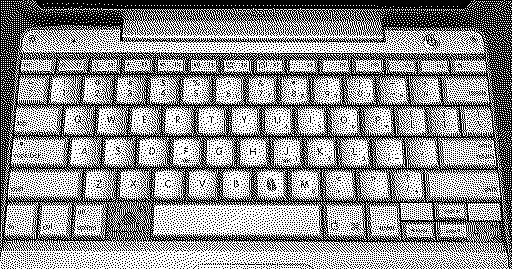
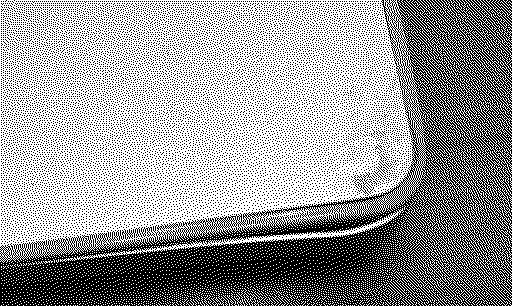
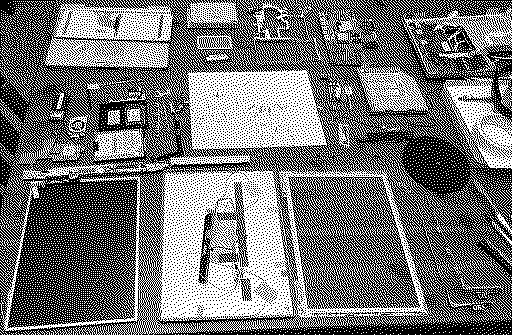
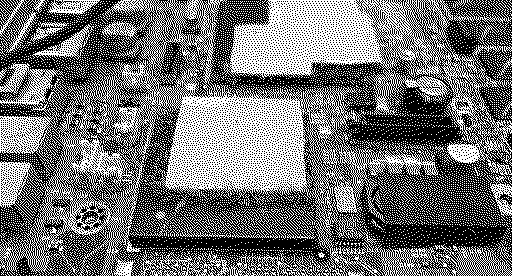
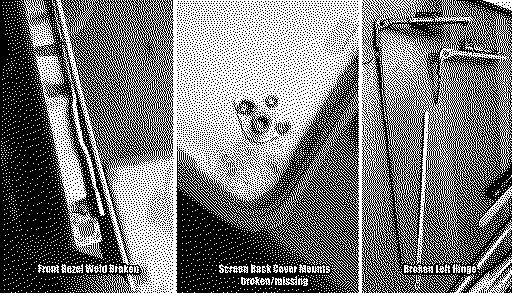
All over the place today. Stripped down an iBook 14" 1.0GHz to put inside a 12" 1.2GHz frame. I found a couple things that will require mods, aside from the battery connector. Front side: -Power switch and speaker jacks are wrong pitch, but I think I can salvage some from other boards and swap them -Trackpad connector on the 1.0GHz is similar to a Powerbook one vs an iBook one. Same amount of pins, maybe I can hack something. Back side: -Mount holes are different -Mount hole has a standoff soldered in it, I should be able to remove it. Since this adapter worked great in my MDD, I tried it in other G3/G4 towers. mSATA to IDE 3.5" desktop (not 2.5" laptop). Booted off both busses in my B&W G3 Booted in my QuickSilver Booted in an AGP Then on to an ailing PowerBook G4 867MHz 12" that has seen much better days. I have the replacement keys for this keyboard. The screen bezel is missing a screw. Corners are dented Full tear down. She was dirty inside And found more problems. I had originally purchased spare hinges when I bought this machine, because I assumed they were broken. I replaced the missing back cover mount with a knurled insert and used JB Weld epoxy. I will let that dry for at least 24 hours and then start the reassembly. SSD all ready to go. |
|
V.Yakob Tinkerer Syktyvkar -------- Joined: Sep 6, 2023 Posts: 129 Likes: 46 |
Jan 19, 2025 - #50
Hey, folks!
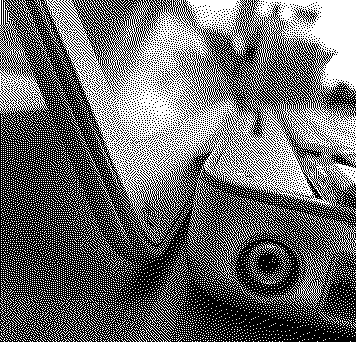
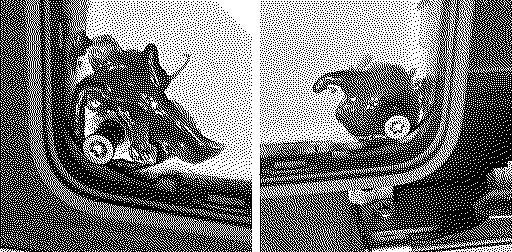
I'm restoring my PM9500, and I've encountered problems that I don't understand how to solve. The front panel mounts were completely broken, I restored the right side by printing clips, but what to do with the left side? All self-tapping mounts are broken, in some you can use a self-tapping screw, but it seems very unreliable. [Image: PM9500.Broken mount-2.png] Who would have experience in restoration, what would you recommend?
|
|
phunguss Active Tinkerer Stillwater, MN -------- Joined: Dec 24, 2023 Posts: 513 Likes: 441 |
Jan 20, 2025 - #51
Day 19
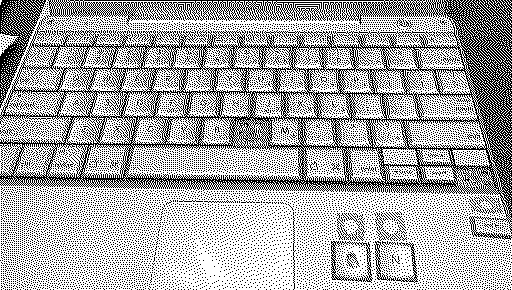
The PowerBook G4 is reassembled. There were a few missing screws inside, but luckily I keep a bin of spares. The screen could probably use a new backlight (I have a couple LED strips), but I left it as is. Bottom corners are brighter but you usually only see it on flat full color screens. If you are busy with other backgrounds and work, it is not that noticeable. The bezel has been repaired. The spare keys I had ordered, only the Command key fit correctly. The others seemed to have been from other versions of PowerBooks. Try, try again. Three version of Mac OS X, pending install of 10.2
Liked by Certificate of Excellence |
|
PowerRCP-G3 Tinkerer -------- Joined: Jan 31, 2022 Posts: 29 Likes: 25 |
Jan 20, 2025 - #52
Day 13
I didn't even get to do much aside from get some clips ready for the Gran Turismo 2 Daihatsu challenge run and some writing on Google Docs with InterWeb PPC. Day 14 I got the footage finished and it's now ready to process. I also worked on my SketchUp project a bit and watch The LEGO Ninjago Movie on my iMac G4. |
|
iBookSpeedster88 Tinkerer -------- Joined: Jan 1, 2024 Posts: 36 Likes: 37 |
Jan 20, 2025 - #53
|
|
phunguss Active Tinkerer Stillwater, MN -------- Joined: Dec 24, 2023 Posts: 513 Likes: 441 |
Jan 20, 2025 - #54
|
|
HrutkayMods New Tinkerer Planet Earth (in the Eastern Time zone) -------- Joined: Oct 18, 2021 Posts: 19 Likes: 18 |
Jan 20, 2025 - #55
same SSD I'm using in my 1.6 iMac G5... really not sure why it wouldn't work?
|
|
iBookSpeedster88 Tinkerer -------- Joined: Jan 1, 2024 Posts: 36 Likes: 37 |
Jan 20, 2025 - #56
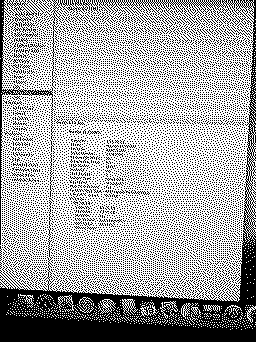
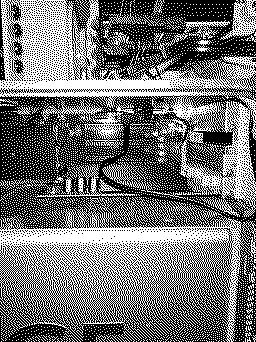
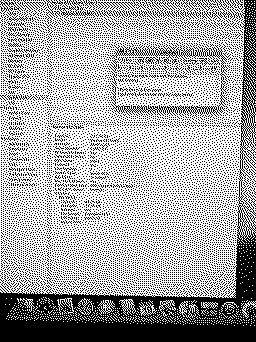
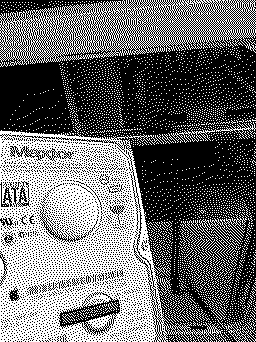
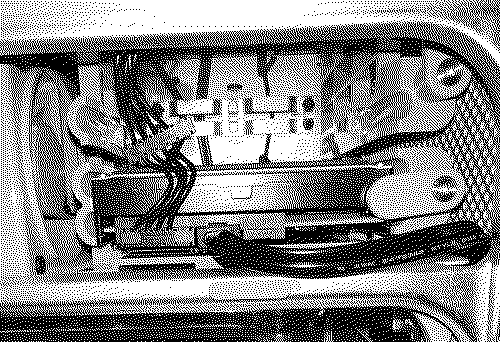
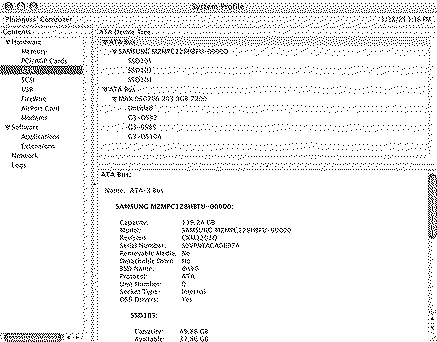
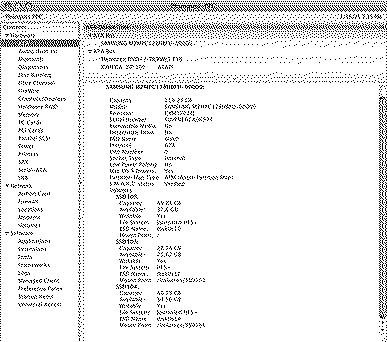
Hard drive out: Hard drive in: PowerMac G5 recognizes the drive and safely boots into 10.5.6 Leopard. System Profiler shows the hard drive is plugged in to the bottom drive "B" with no issues:
That's why I continued under the assumption that my cables were at fault and not the SSD since I purchased it with its reputation as being guaranteed compatible with PowerPC G5 Macs. Yet, the drive mustn't be at fault either considering it was properly recognized and formatted when plugged in to the PowerMac externally inside of a USB enclosure!
|
|
Certificate of Excellence Active Tinkerer United Sates -------- Joined: Nov 1, 2021 Posts: 765 Likes: 530 |
Jan 20, 2025 - #57
I'm curious if you spun up a burned Leopard or Tiger cd/dvd and tried to install a fresh copy of either OS on the SSD via sata, if DU would see it and install to it sans usb. Anyhow, I'd verify disk health in DU to understand the health of the ssd or something like Crystal Disk if you have Windows machine. In my mind it's pointing to the disk. You know its not the data cable or the power cable and you know its not the port on the logic board as the spinner was recognized and booted right up to a functional desktop.
I have had new SSDs of the same make and model where one that is an older revision works w/o issue and another that is a slightly newer revision not show up or work in any capacity in my Powermac G5s (sata3) with updated bits inside. I could see that since it is a new SSD (and not new old stock necessarily) that a similar situation is in play here - folks over the years using an older revision of this branded drive with great results and here you are with a current newer revision of the same branded drive having issues - some new componentry has been introduced into the SSD limiting that purported reverse compatibility with old sata1 macs. Have you reached out to the SSD manufacturer? Have they recommended anything? Liked by phunguss |
|
phunguss Active Tinkerer Stillwater, MN -------- Joined: Dec 24, 2023 Posts: 513 Likes: 441 |
Jan 20, 2025 - #58
The only obscure thing that might be a faint possibility is the 3.3v rail. The PowerMac G5 has the 12V, GND, 5V rails on the power cable, but no 3.3V rail. It may be possible that this specific SSD requires the 3.3v rail. Does your external USB case have that 5th wire for 3.3V on the power plug? Some drives may generate their own internal 3.3V if needed, not sure on this SSD. SATA power plug pinout and Old Tom's Hardware discussion Liked by Nycturne |
|
iBookSpeedster88 Tinkerer -------- Joined: Jan 1, 2024 Posts: 36 Likes: 37 |
Jan 20, 2025 - #59
I performed another test by plugging in the SSD to the top drive bay, leaving the Apple hard drive in the bottom bay now knowing that my cable is not an issue. No modifications taken to the current setup. Turned on the PowerMac G5 and I am returned to the blank white screen with no Apple logo. That's interesting. If there was no bootable OS installed to the SSD, shouldn't I be taken to 10.5.6 Leopard which is installed on the Apple hard drive? So, the upper drive bay takes precedence in the boot order, it seems.
Here are the results with this in mind: 1. SSD plugged in to bottom bay "B", hard drive plugged in to upper bay "A" RESULT: 10.5.6 Leopard boots and the SSD is not mounted nor recognized 2. SSD plugged in to upper bay "A", hard drive plugged in to bottom bay "B" RESULT: nothing boots and the blank white screen sans Apple logo appears indefinitely 3. SSD is the ONLY drive plugged in regardless of which bay it is plugged in to RESULT: nothing boots and the blank white screen sans Apple logo appears indefinitely |
|
iBookSpeedster88 Tinkerer -------- Joined: Jan 1, 2024 Posts: 36 Likes: 37 |
Jan 20, 2025 - #60
It shouldn't be a surprise, but the retail Leopard DVD doesn't recognize the SSD either and only gives the option to install itself to the hard drive.
OtherWorldComputing used to have a page recommending the OWC Electra 3G SSD as a great drive with guaranteed compatibility for all models of the PowerMac G5. Here is an archive of the webpage in question from 2023: https://web.archive.org/web/2023100...ales.com/craftcmspreview/ssd/ssd-power-mac-g5 Curiously, the webpage was removed in 2024, and if you attempt to access it today, you'll get a "page not found" error. The SSD is still sold even now, though. |
| << First | < Prev | Page 3 of 6 | Next > | Last >> |
| Home | Forums | What's New | Search | Bookmarks | RSS | Original | Settings |
| XenForo Retro Proxy by TinkerDifferent.com |





![[Image: PM9500.Broken mount-2.png]](/proxy_image?url=https://tinkerdifferent.com/data/attachments/19/19595-f5ce0529af7dbd4b7bd2d1de6d2850a7.jpg)